Black Friday and Cyber Monday bring more shoppers to your store. Some of them buy. Others leave, guess a size, or need to change an order after checkout. This guide walks through each step, from the first product view to the last return.
Start early. Some changes need time to test.
Shoppers who cannot see their options often leave. Start with your bestsellers, especially the ones with many colors or sizes.
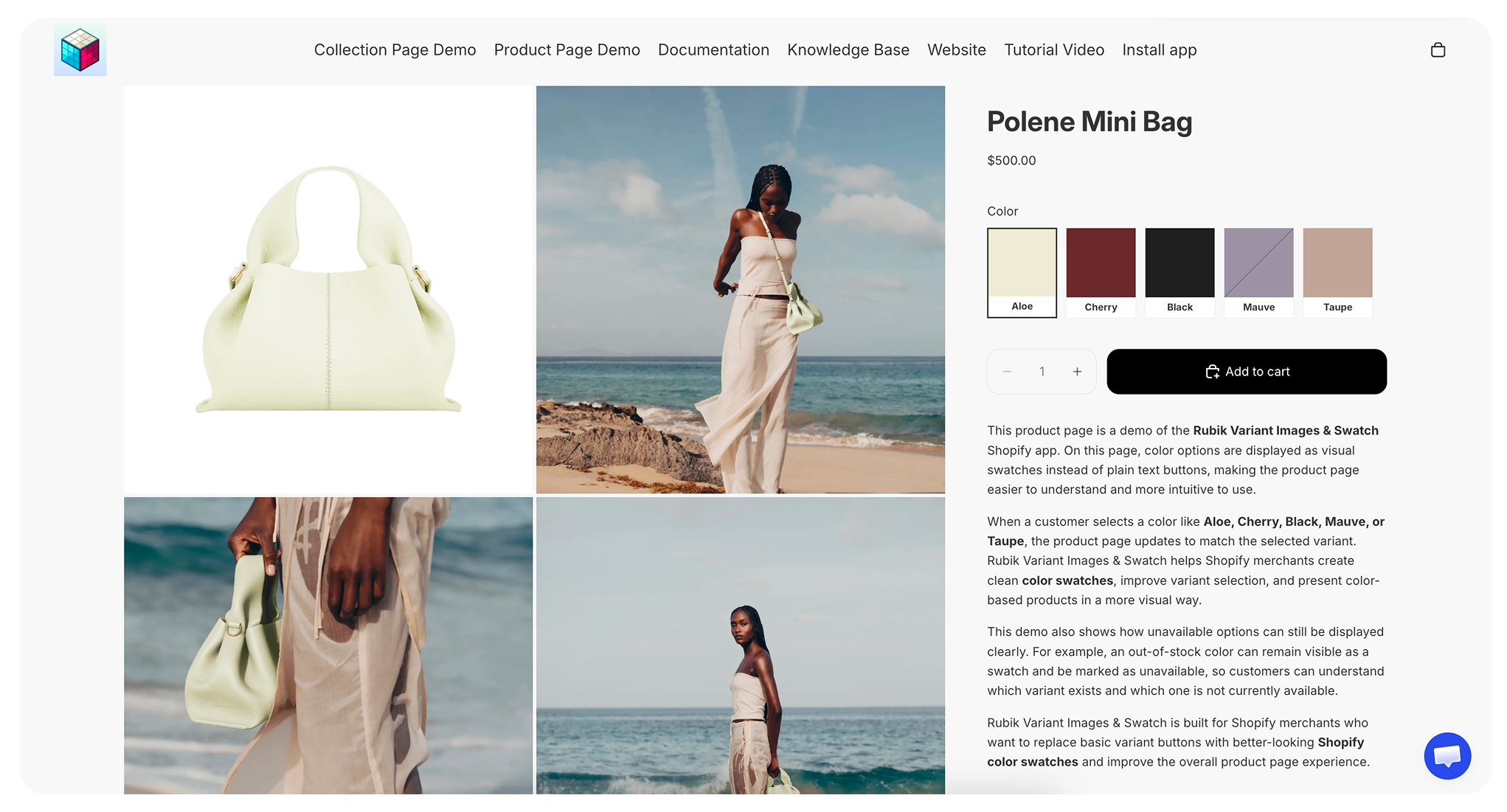
Show the main options as visible swatches instead of a dropdown. Shoppers can compare them at a glance. In one A/B/C test by Rubik, this change raised conversion by 3% and revenue per visitor by 4%. Apps like Rubik Variant Images & Swatch can help with swatches and variant photos.
Make sure each main option shows its own photos. The gallery should update when a shopper picks a color or size. Shared images, like a size chart or care guide, should stay visible.
Check your collection pages and the links in your BFCM emails and ads too. The swatches, images, and prices should match what shoppers see on the product page.
Test every variant on mobile and desktop before Nov 20. Add each one to the cart and confirm the image, price, and item name are correct. Test sold-out options as well, so shoppers can see what is unavailable.
Many shoppers want feedback before they buy. Reviews help them decide, especially when they cannot try a product on. In a survey cited by Loox, 45% of shoppers said they would not buy a product without reviews. Another 56% said they do not trust a star rating without written comments.
Look at your featured products first. A new product or gift set may have very few reviews. Ask past buyers for photos and details on those products.
Reviews that mention the size bought and how it fits are especially useful. Fit Quiz reports that 70% of shoppers who read reviews look for sizing information when buying clothing and shoes.
Place a few short review excerpts near the buy button. Test how they look on a phone, and keep the price and options easy to see.
Size is one of the biggest reasons for apparel returns. Fit Quiz reports that 53% of surveyed apparel brands and retailers named size or fit as the leading cause of online returns.
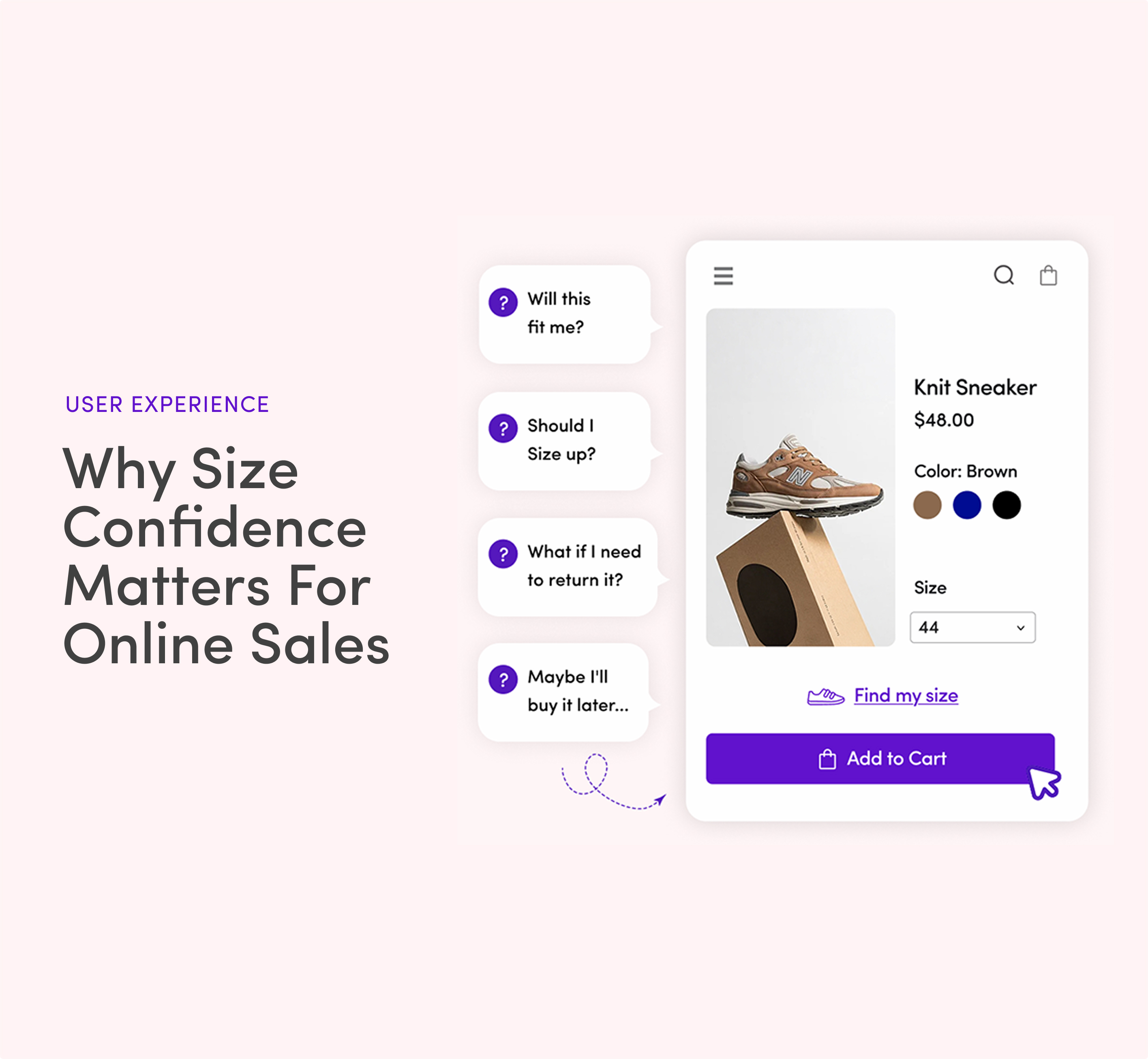
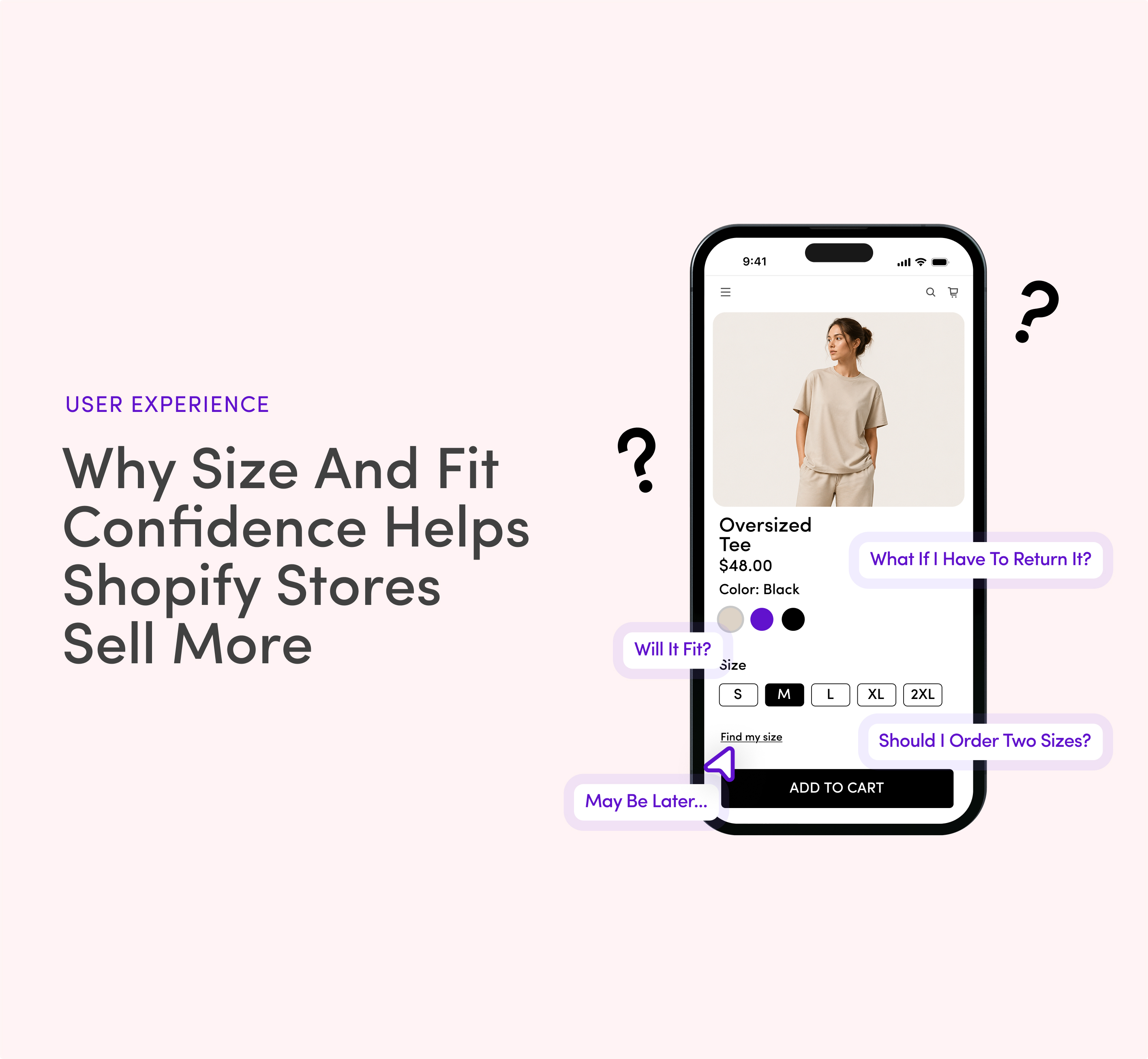
A size chart helps, but many shoppers do not know their measurements. They may not have a tape measure nearby, either. Clear guidance on the product page can answer the question before they leave.
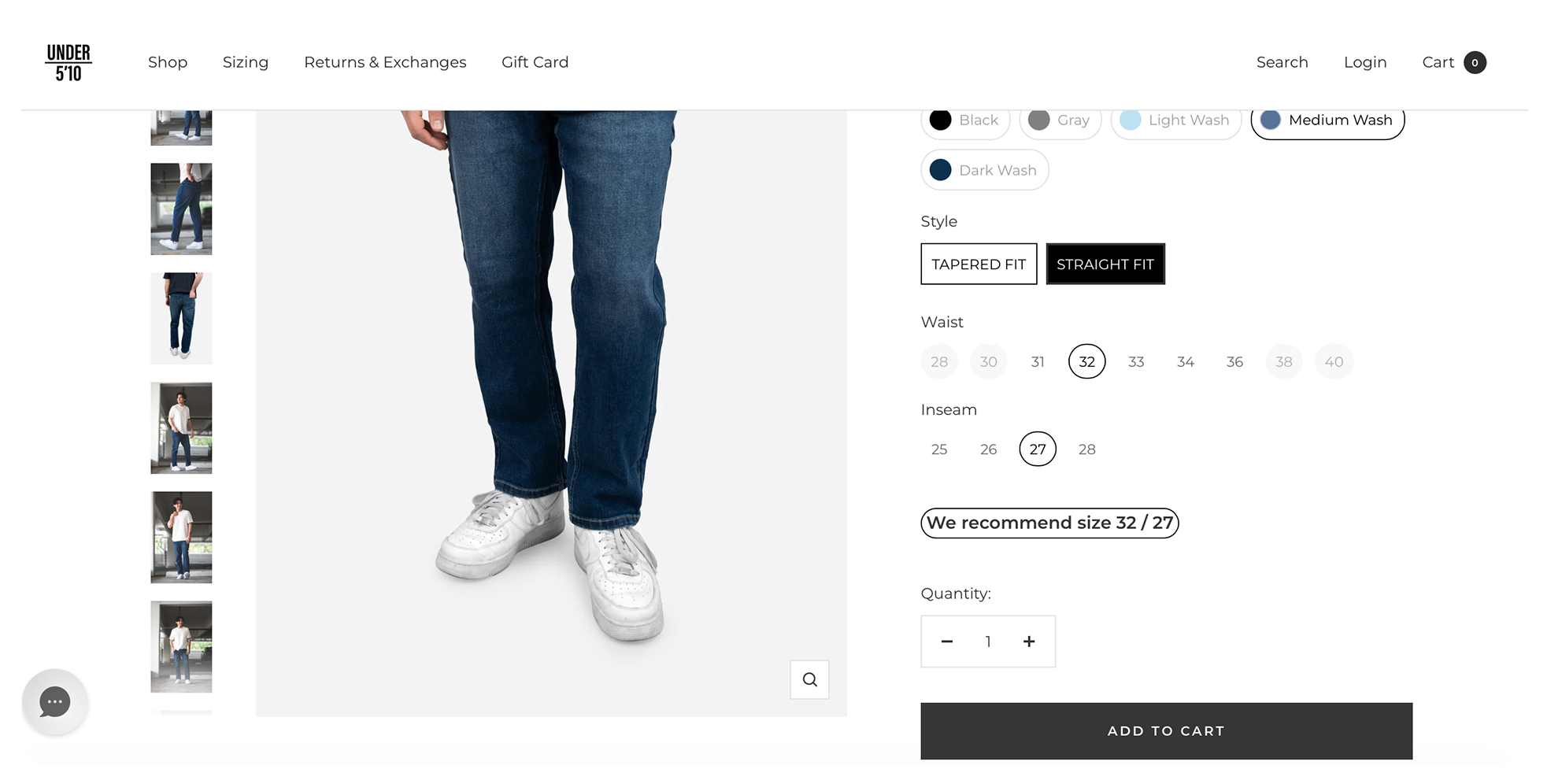
Place sizing help next to the size selector. Explain differences in fit, length, or stretch that could change the choice. For example, a shopper buying pants may need help with length, not only waist size.
Label the size worn in model photos. Check that the sizes you recommend are in stock.
In an Easysize survey of US online shoppers in October 2026, 59% said they sometimes guess and hope for the best when unsure about size. Good sizing help can reduce that guesswork.
A gift order involves two people. The buyer needs to order with confidence. The recipient needs to know what to do next.
Show the gift option on the product page, not only at checkout. Shoppers who find it late may already have left to shop somewhere else. Show delivery deadlines too, so the buyer knows if the gift will arrive in time.
Send a delivery message to the recipient. Include the sender’s note, your exchange deadline, and a link to your returns page. Giftnote reports that 74% of gift recipients are not on the brand’s email list, so this message may be the first contact. Offer an optional sign-up, and do not treat the delivery email as a marketing sign-up.
For apparel, explain what happens if the recipient needs a different size. Gift buyers often do not know the size.
Place a test gift order on your phone. Follow it through to the recipient’s message.
BFCM brings more completed orders. Each one is a chance to offer something relevant. It is also a chance to let customers fix a mistake without contacting support.
Choose upsell offers based on what customers already buy together. A follow-up email can reach shoppers who skipped the first offer. Give them time to add something before the order moves into fulfillment.
Order editing works the same way. Let customers change simple details, such as an address or size, from the order status page. Apps like Cleverific handle this kind of self-service editing. Explain what customers can change and when editing closes. The window must end before your warehouse starts packing. Cleverific reports that 69% of customers want to resolve as many issues as possible on their own.
Test an address change, a size change, and an accepted upsell. Check the updated order, the confirmation email, and what your fulfillment team receives.
A cause can give shoppers another reason to buy. It works best when the purpose is clear. GoodAPI is one option for adding donations at checkout.
Choose one cause and confirm who will receive the money. Set the campaign dates. Explain what each qualifying purchase or donation will support. Keep donations optional, and show the amount and final total before payment.
Share the results afterward. Tell customers how much was raised and where it went. If your partner has not finished the project yet, explain when they will share an update.
Clear return rules protect both your team and your customers. Shoppers want to know the rules before they buy, and your support team needs the same answers.
Write down which sale items can be returned. Explain how gift exchanges work, who can start one, and the deadline. Decide who approves refunds. Then write answers for common cases, such as damaged items, wrong sizes, and discounted purchases.
Show return costs and the last exchange date before checkout. This helps buyers decide and avoids surprises later.
If you see the same return reasons again and again, turn them into rules. One jewelry brand, TOV Essentials, did this with Returnista. Returnista reports that 45% of its return decisions were then handled without human intervention. Keep a clear review step for requests that fall outside your rules.
Also check who will cover returns between Christmas and New Year. Some of your team may be on leave.
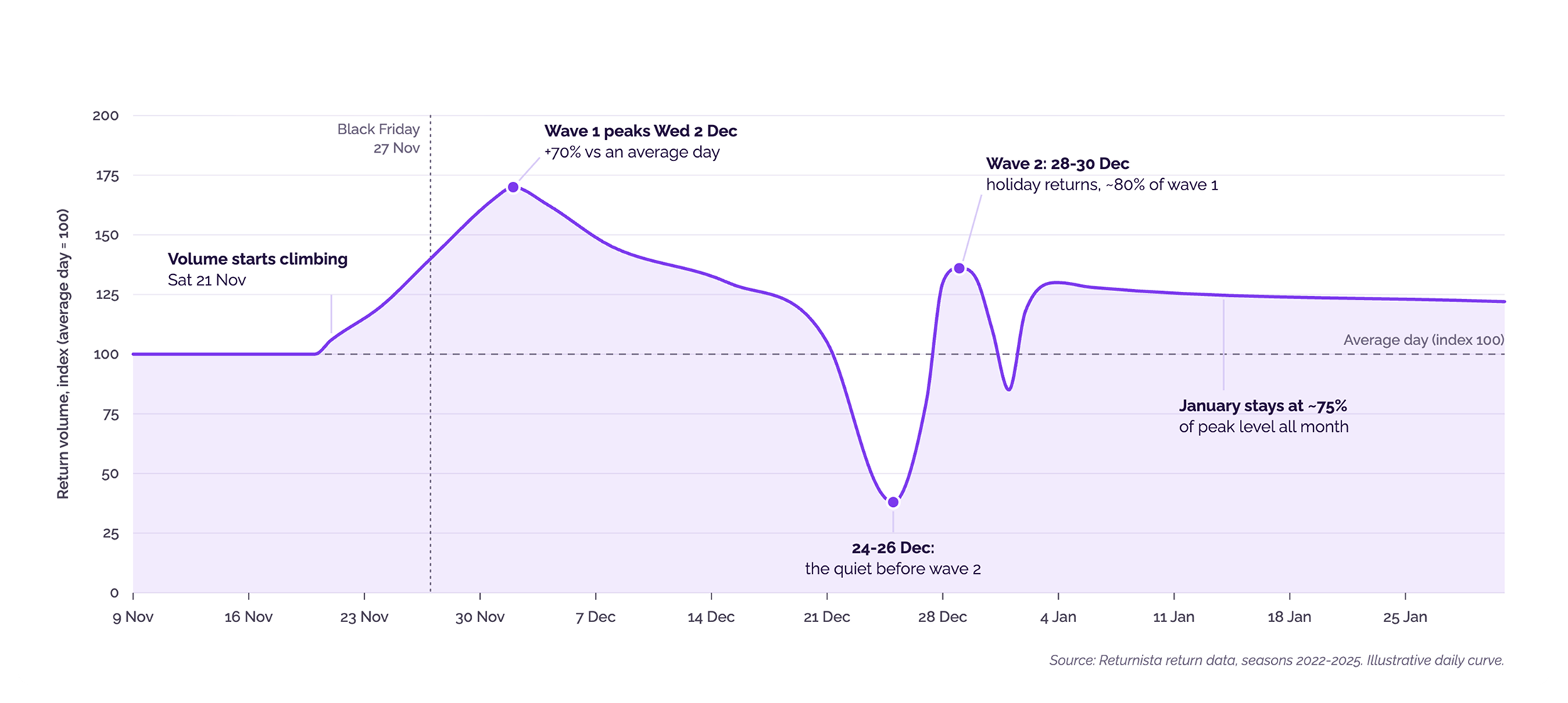
Return rates may dip slightly during BFCM. More orders still mean more parcels coming back. Returnista expects these periods:
Plan your support coverage through January, not only through the sale. Compare these peaks with your own order volumes and delivery times.
☑ Bestsellers show all main options without a dropdown
☑ Each main variant shows matching photos and prices
☑ Collection pages and BFCM ads show the right variants
☑ Every variant has been tested on mobile and desktop
☑ Featured products have recent reviews with size and fit details
☑ Sizing help appears next to the size selector
☑ Gift options and delivery deadlines are visible before checkout
☑ A gift delivery message is ready
☑ Upsells and order editing are tested
☑ Return rules are written and shared with your support team
☑ Support coverage is planned through January
Start with your top products and work down the list. Small, clear changes before BFCM can make the shopping experience easier for everyone.